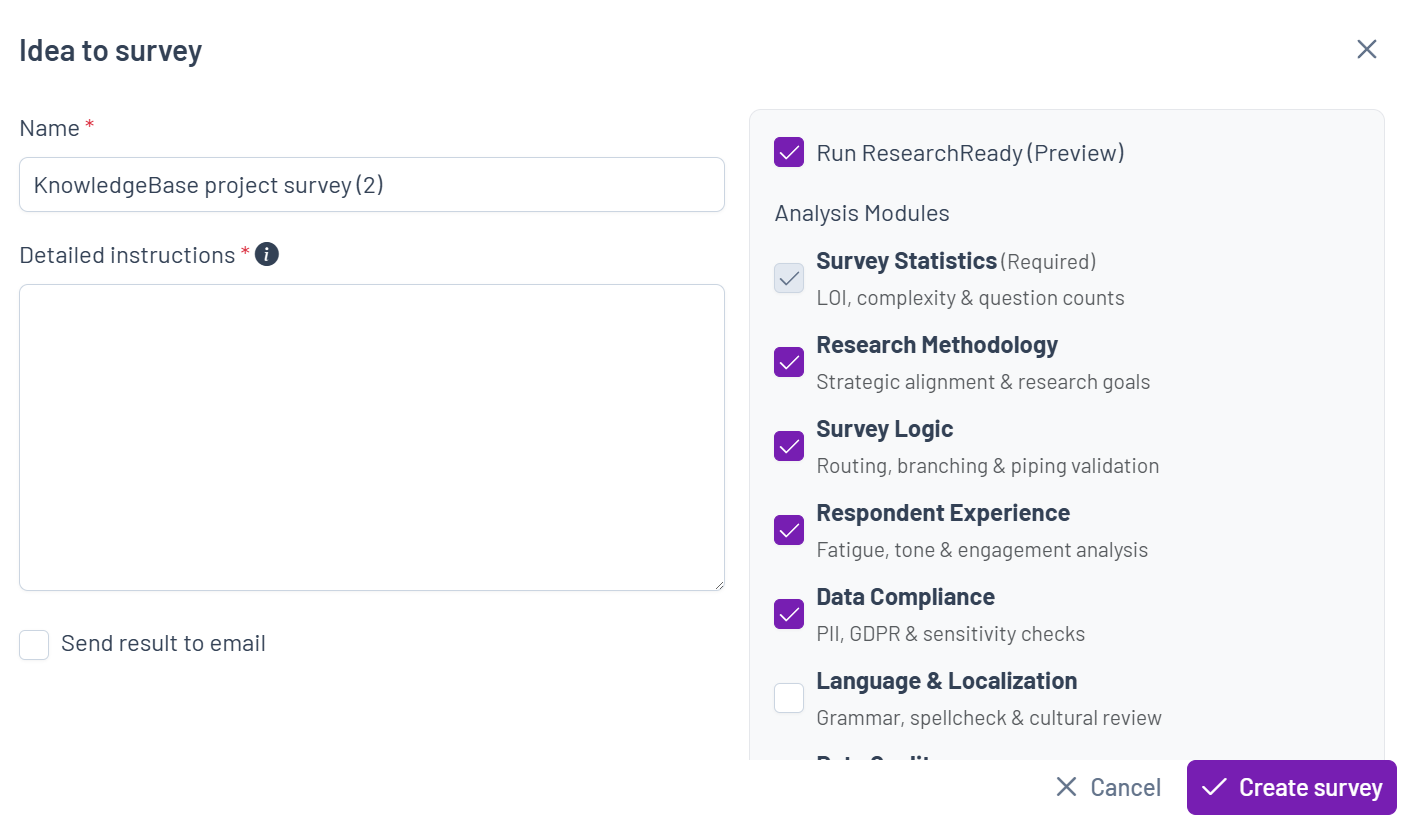
There are four ways to access ResearchReady:
- From the Home Dashboard, if you want to create a ResearchReady analysis only

- From the Project Dashboard, click the ResearchReady tool

- From Survey Creator, open your survey and click the ResearchReady icon
 in the Editor tools
- From the Document to Survey or Idea to survey tools in Survey Creator you can create a survey and Run ResearchReady simultaneously (optional)