
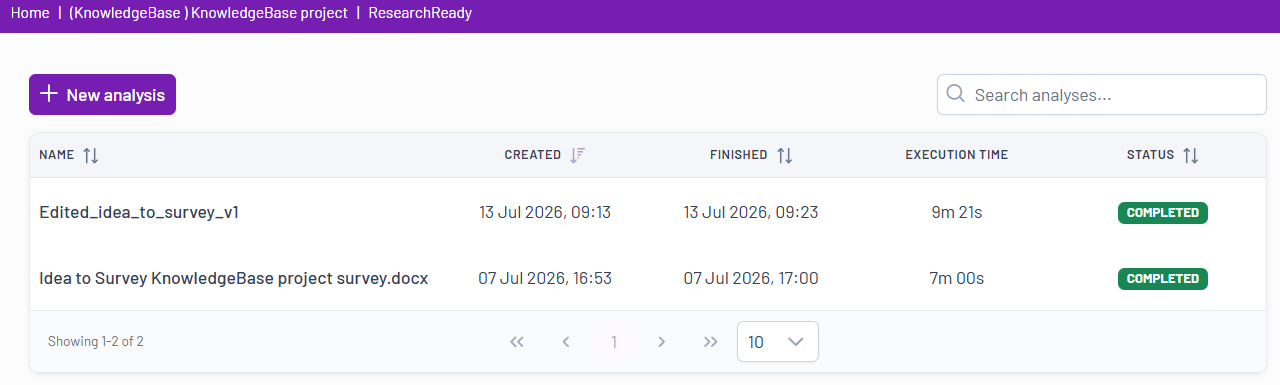
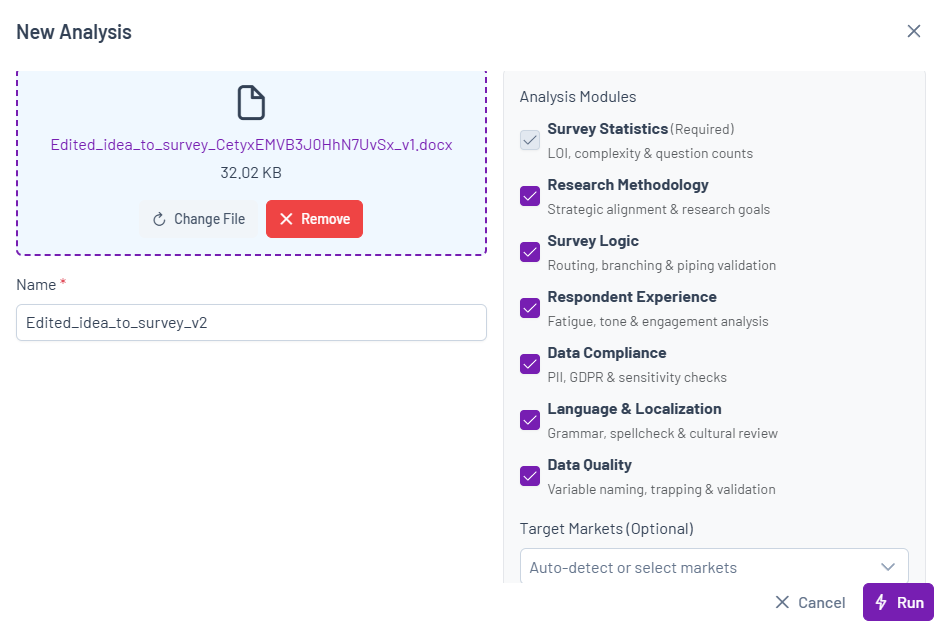
To run a new analysis, click the New Analysis button  , upload your Word or Excel questionnaire, add any additional files, add notes or instructions, select the analysis modules you are interested in, start the analysis, and then review the generated results.
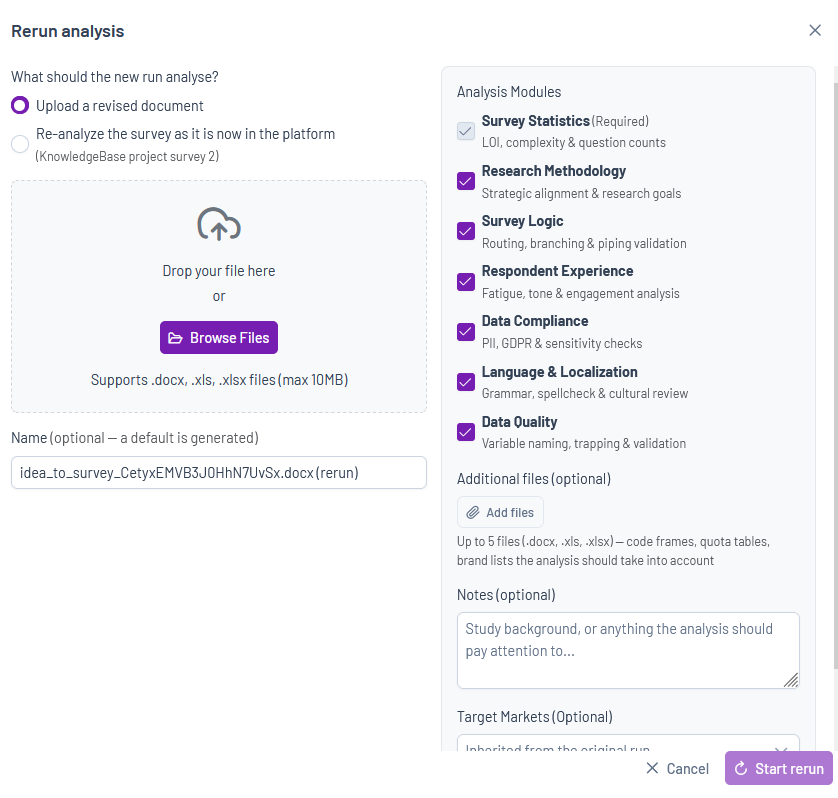
There are two ways to start a rerun:
From the ResearchReady Analysis List
- Open the Project ResearchReady tool.
- Locate the analysis you want to rerun.
- Click the Rerun icon
 next to the analysis.
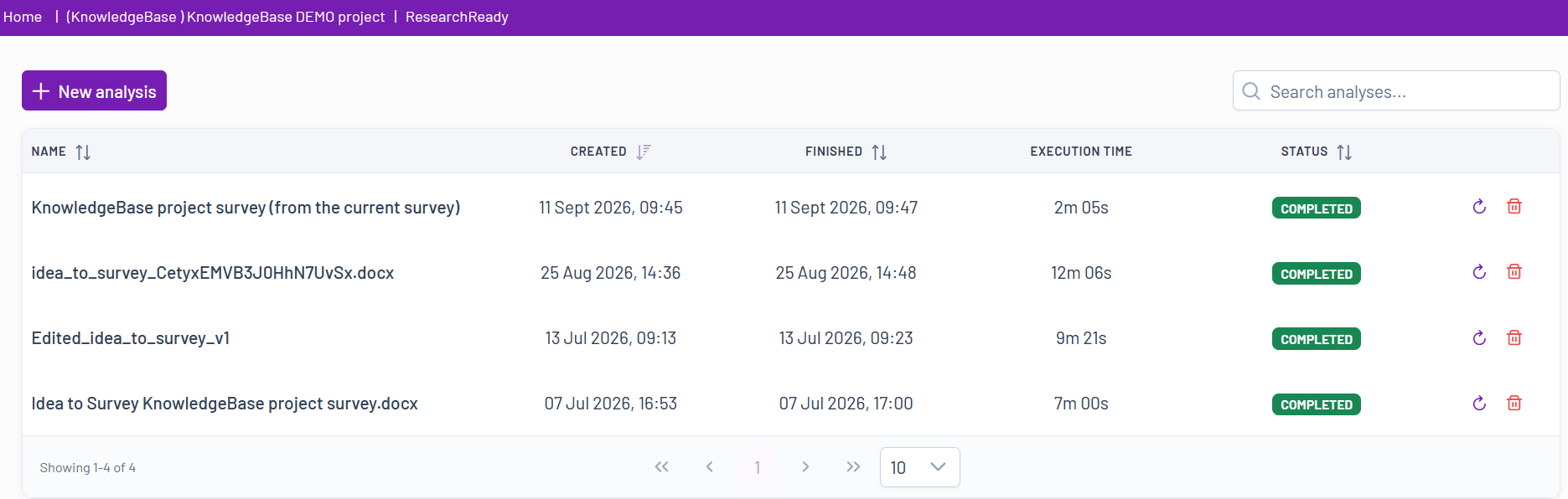
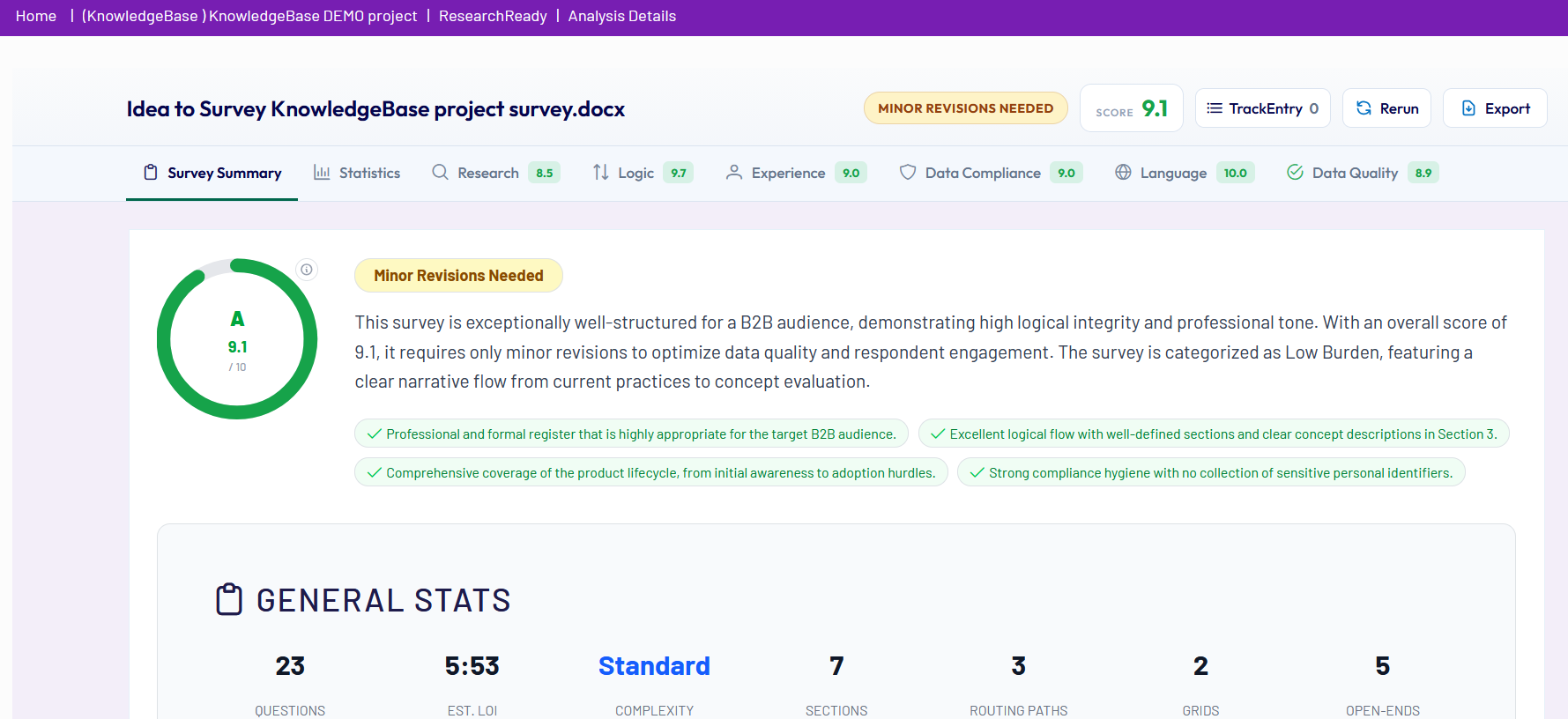
Once a rerun has started, its progress can be monitored directly in the application. When the analysis is complete, the results load automatically and the rerun is added to the list of ResearchReady analyses within the project, where it can be accessed at any time.
To remove analyses that are no longer needed, click the Delete icon  next to the relevant analysis in the analysis list.